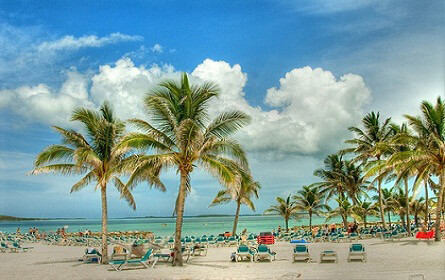
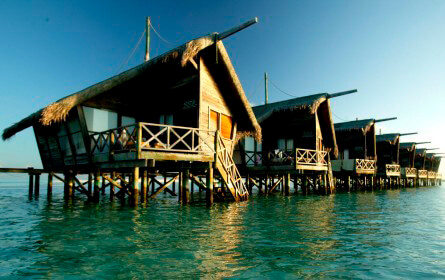
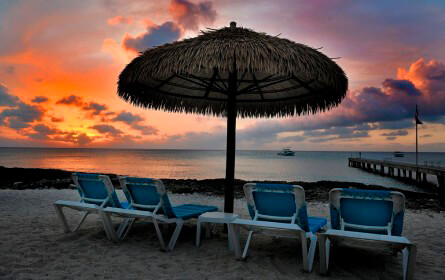
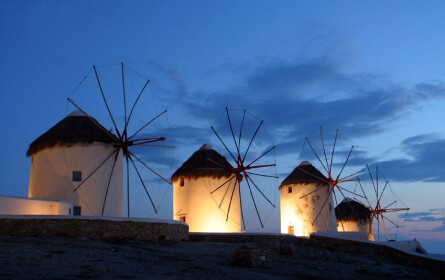
When you want to make your site light and colorful, and impress visitors with your juicy photos. This Exposition Slider is perfect for bloggers!
The right bar, with its icon marker pictures in two rows, instantly tells your story. This shows elements of your adventure immediately and links them to locations on the map.
Open Full Screen
In order to create this map type you need:
On the left navigation menu click “New Map”.
Enter the name of the map.
Add the number of markers you want.
Enter the name of each marker and fill in their descriptions.
At the Marker List menu choose the Exposition Slider style.
Important! After changing the settings of the map plugin don’t forget to click the “Save” button.
Under “map live preview” you can see the shortcode. Copy and paste the shortcode into your post or page and Google Maps Easy by Supsystic plugin will automatically create the map on your page using the settings you choose above.
We use cookies to improve your browsing experience and analyze traffic. By clicking "Accept", you agree to the use of all cookies in accordance with our Privacy Policy.